


Rechargeable SOS Bracelet | Elmwood
Rechargeable SOS Bracelet | Elmwood
Couldn't load pickup availability

Rechargeable SOS Bracelet | Elmwood
30-Day Money-Back Guarantee
30-Day Money-Back Guarantee
We stand by our product with a 30-Day 100% Money-Back Guarantee for your complete satisfaction. If you're not fully satisfied within 30 days, we’ll refund your full purchase amount – no questions asked.
Enjoy peace of mind with our easy return process.
Shipping & Delivery
Shipping & Delivery
We process orders within 1–2 business days. After dispatch, the estimated delivery time varies based on the shipping method you choose. You will receive a tracking number to monitor the progress of your order.
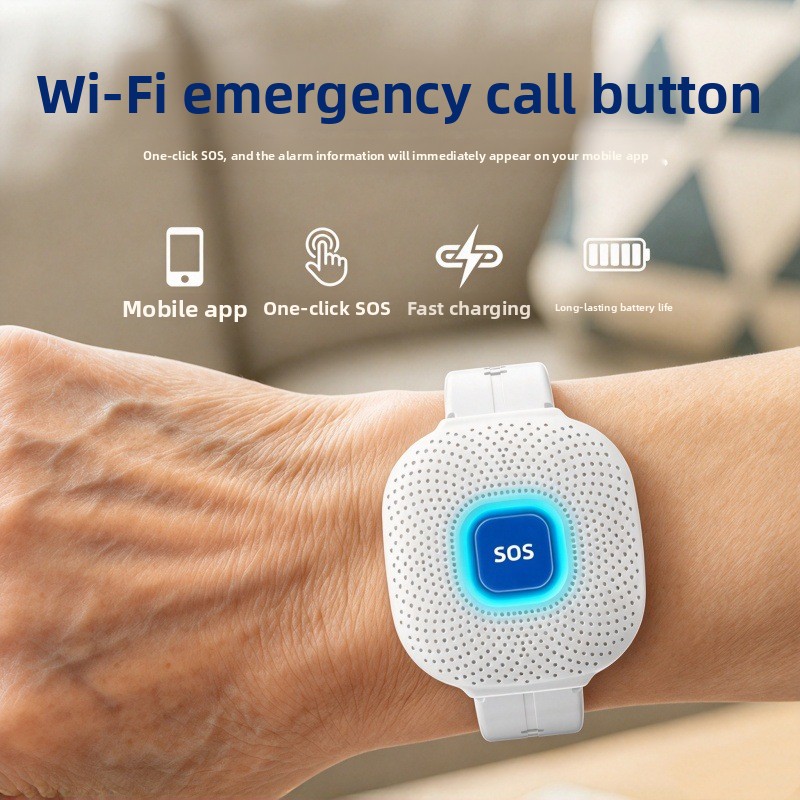
The Elmwood™ CareConnect Rechargeable WiFi SOS Bracelet gives someone at home a simple way to request help from a connected caregiver. A press of the SOS button sends an alert through the Tuya Smart or Smart Life app when the device is connected to a compatible 2.4 GHz WiFi network.
How It Works
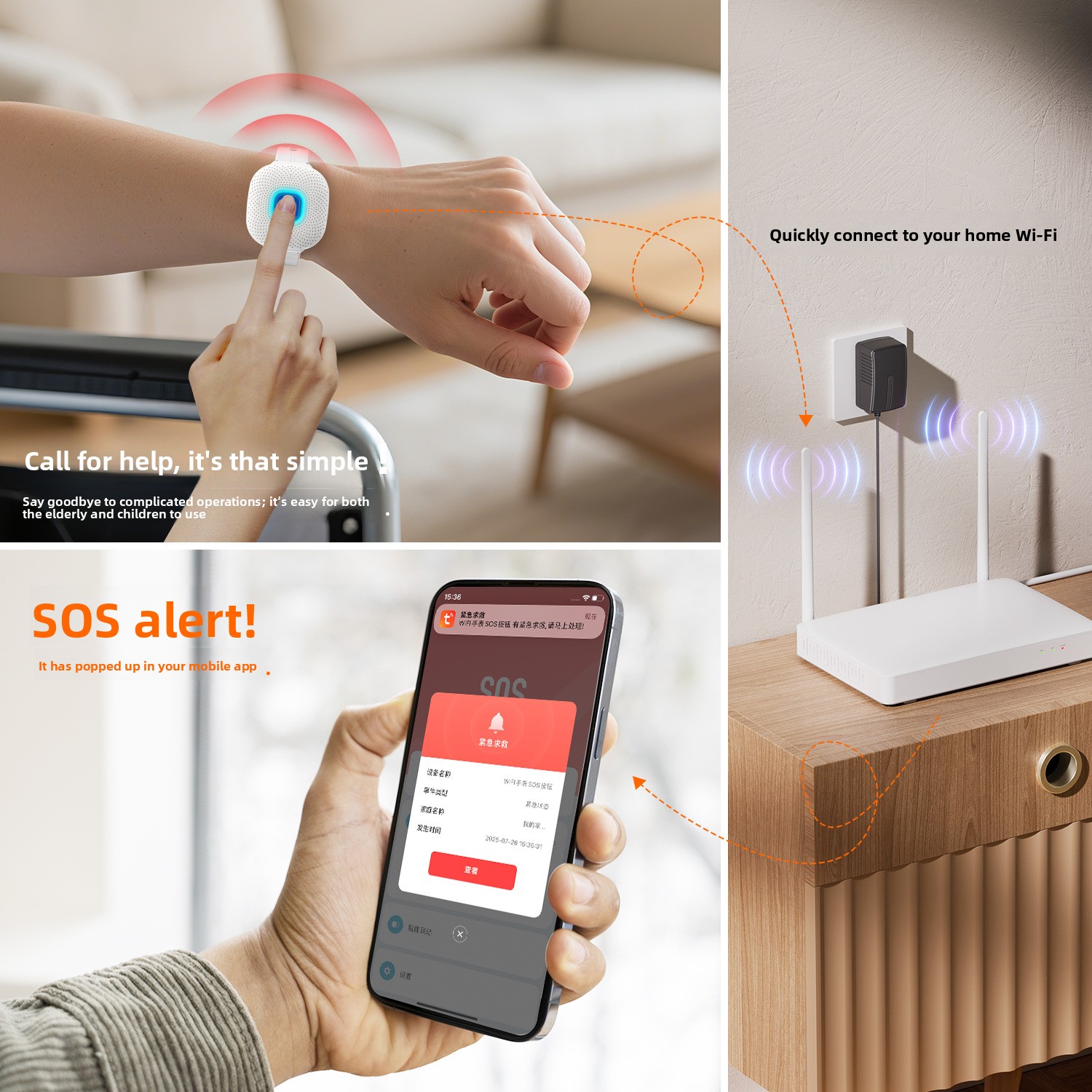
- Press SOS at home: The wearer presses the button to request help. CareConnect sends the request through the home's internet-connected 2.4 GHz WiFi network to the Tuya Smart or Smart Life cloud, which sends a push notification to the connected caregiver's phone.
- Your caregiver can be elsewhere: The caregiver does not need to be on the same WiFi network or near the wearer. Their phone can receive the alert over mobile data, including 4G/5G, or another internet-connected WiFi network, with the app set up and notifications enabled.
- The button stays within home WiFi coverage: CareConnect must remain connected to the home's working 2.4 GHz WiFi network. It cannot send a help request from outside that coverage. The caregiver's phone can use mobile data; the button itself relies on WiFi.
- Notification settings matter: Delivery and audible alerts depend on working internet connections, app permissions, background settings, and the caregiver's phone sound settings. Test the setup before relying on it.
Features
- One-button SOS request: Press the large button to trigger a notification through the connected app.
- 2.4 GHz WiFi connection: Connect to a compatible home WiFi network for app-based alerts; 5 GHz-only networks are not supported.
- Tuya Smart and Smart Life: Use either supported app to manage the device and receive alerts.
- Wearable or standalone: The detachable wrist strap lets the user wear the button or keep it in a convenient position.
- Rechargeable battery: A built-in 250mAh lithium battery recharges using the included USB cable.
- Low-battery notifications: App reminders help caregivers know when charging is needed.
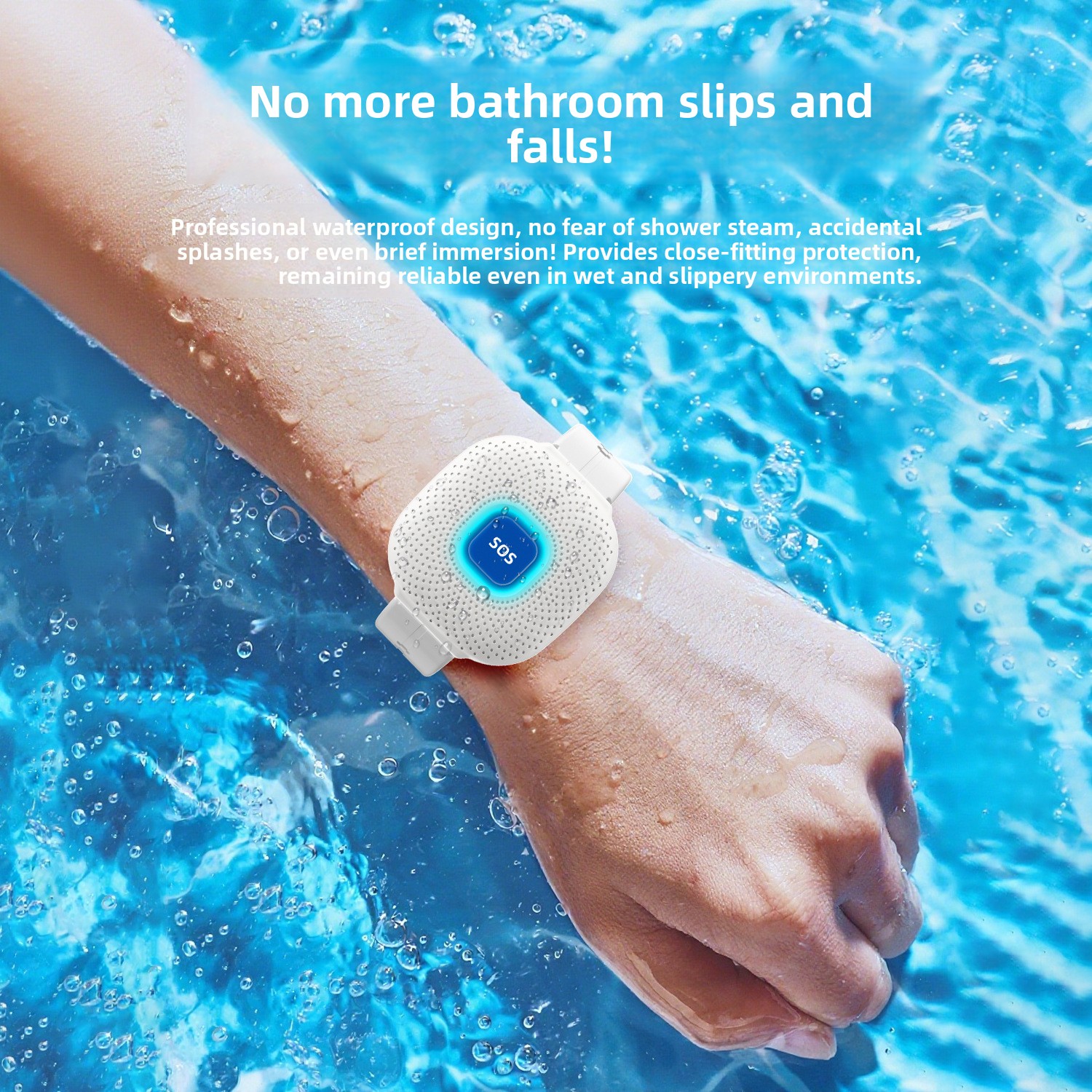
- Splash-resistant design: The listed IP65 rating supports protection against everyday splashes.
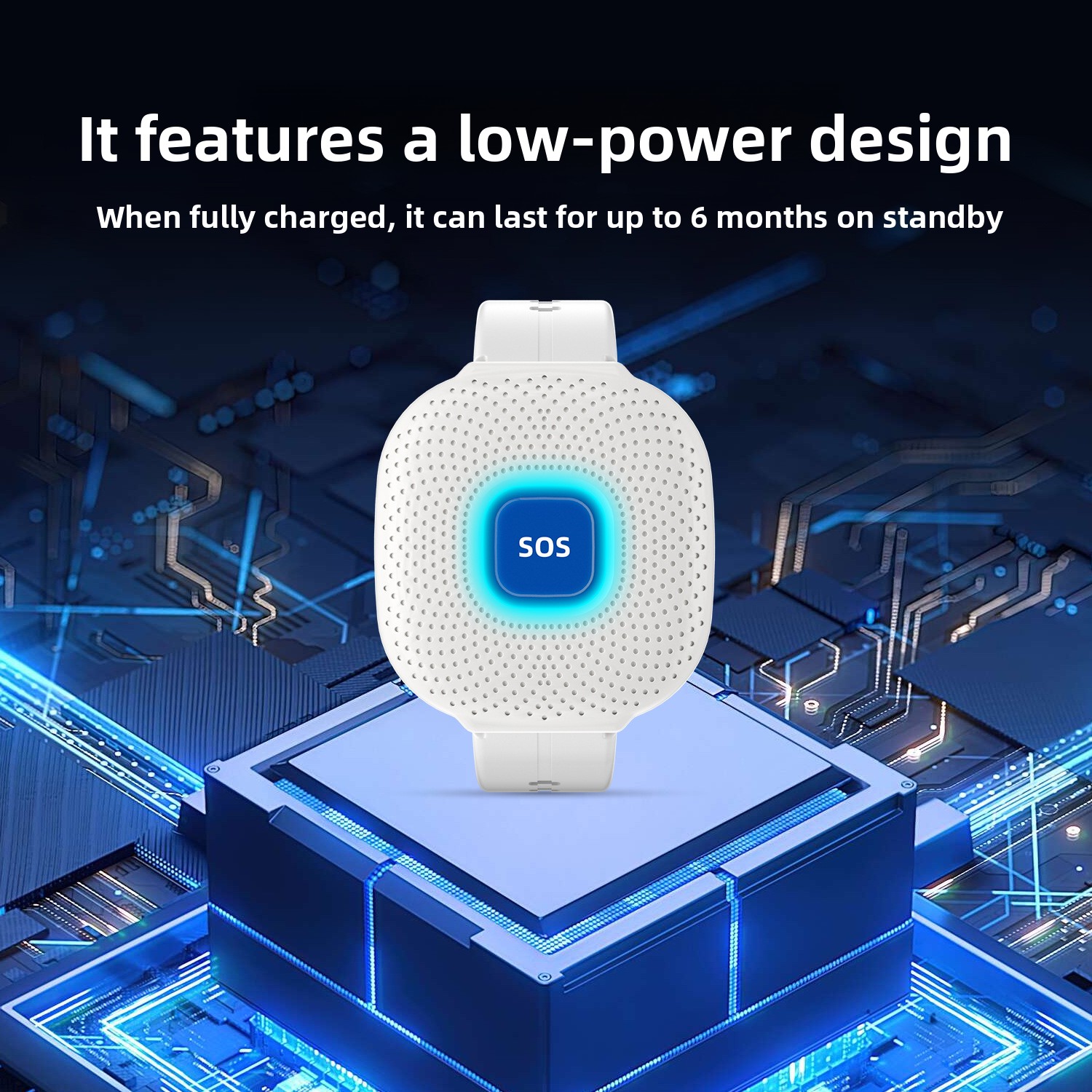
- Low-power standby: Enjoy up to six months of standby; actual duration varies with use and connectivity.
Benefits
- Simpler communication: A large dedicated button is easier to reach than navigating a phone in a difficult moment.
- More accessible support: Keep the help-request button on the wrist or close to the user.
- Support independent routines: Give a family member a convenient way to notify their caregiver while at home.
- Reduce charging guesswork: Low-battery app alerts help make maintenance part of the care routine.
Use Cases
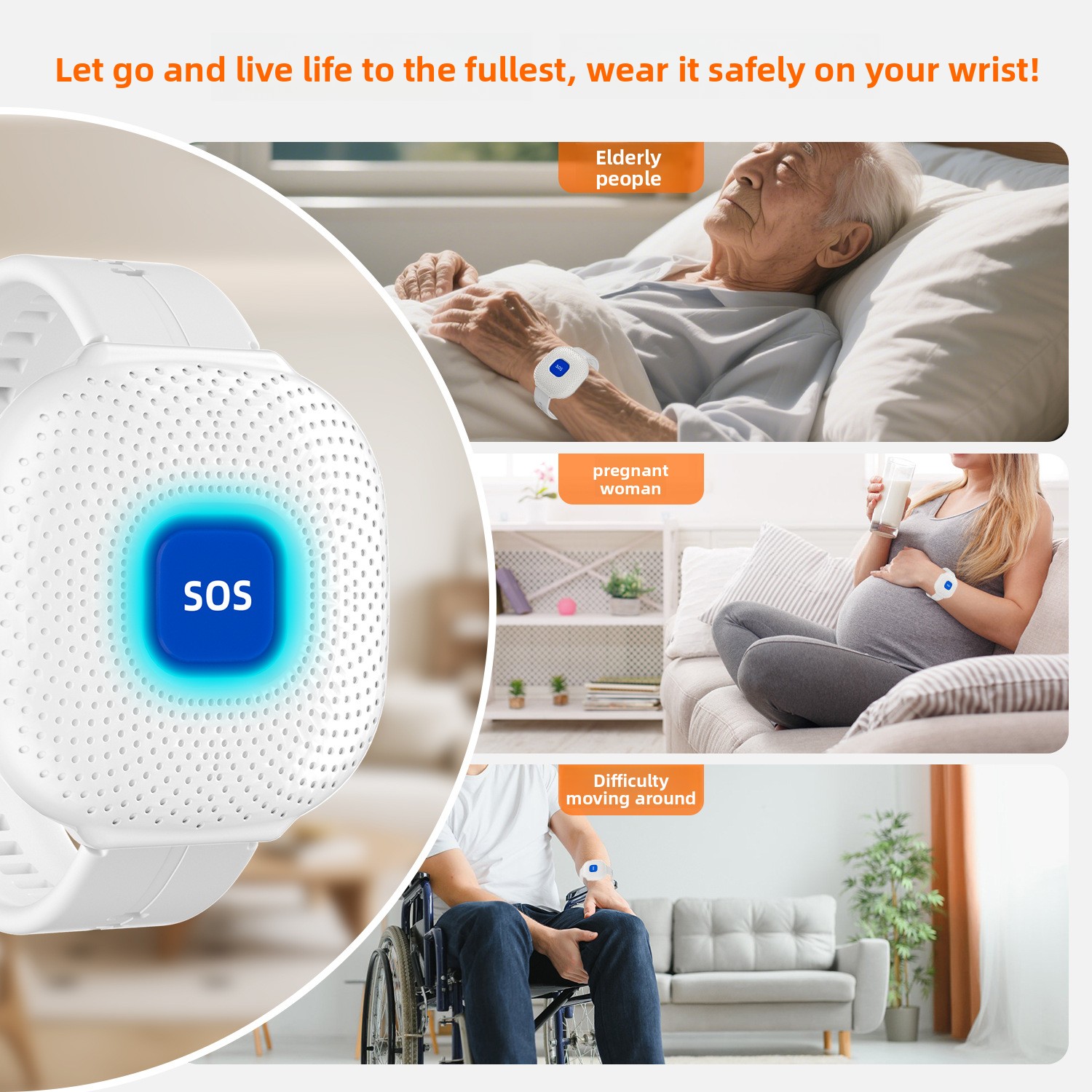
- At-home senior care: Provide a simple button for requesting help from a connected family member.
- Limited-mobility routines: Keep the alert within easy reach while resting or moving around the home.
- Caregiver check-in setup: Add an app-connected request button to the household's care arrangements.
- Bedside access: Detach the strap and position the button where the user can reach it.
Who It’s For
- Older adults: For a simple app-connected help request.
- Family caregivers: For receiving a notification when a loved one presses the button.
- People with limited mobility: For a wearable or nearby button instead of reaching for a phone.
- Households planning supportive care: For an additional communication tool in their existing arrangements.
How to Set Up & Use
- Charge first: Charge the button with the included USB cable and a compatible DC 5V USB power adapter.
- Set up the caregiver's app: Install Tuya Smart or Smart Life, then create an account or sign in.
- Connect to home WiFi: Connect the setup phone to a 2.4 GHz WiFi network and enable WiFi and Bluetooth. Put the button into pairing mode following the included manual, choose Add Device in the app, and follow the prompts to enter the home WiFi password. A 5 GHz-only network is not supported.
- Enable alerts: Allow app push notifications and background activity. Check sound settings so alerts can be noticed. Use the app's device-sharing options to give other family caregivers access, then test notifications on each phone.
- Run a practice request: While the button is within home WiFi coverage, press SOS and confirm the caregiver receives the notification. Also test with the caregiver's phone using mobile data to check your away-from-home setup.
- Keep it within reach: Wear it on the wrist or detach the strap and place the button beside the bed or another accessible spot. Check low-battery notifications and recharge as needed.
Care note: IP65 protection is for splashes, not submersion or swimming. This manually pressed caregiver notification button does not automatically call emergency services or guarantee an immediate response.
Specifications
- Connectivity: 2.4 GHz WiFi
- Apps: Tuya Smart or Smart Life
- Battery: 3.7V, 250mAh rechargeable lithium battery
- Charging: DC 5V USB; wall adapter not included
- Listed water protection: IP65
- Variant sold: White
- Alerts require working connectivity and app notification setup. This is a caregiver notification button, not a guaranteed emergency response service or automatic emergency-services call.
What’s Included
- WiFi SOS button
- Detachable wrist strap
- USB charging cable
- English user manual
Add CareConnect to your household's care routine for a simpler way to send a help request when a connected caregiver is needed.


GYM, OUTDOOR & SAFETY
-

BIKE & CYCLING
Gear and accessories for cycling, bicycle care, and everyday rides.
-

CAMPING & HIKING
Gear and essentials for camping, hiking, and time outdoors.
-

EMERGENCY & SAFETY
Practical tools and essentials for personal safety and emergency preparedness.
-

CAR ACCESSORIES
Accessories for your car.
-

GYM & FITNESS
Gear and accessories for workouts, training, and active routines.


SEDUCTION & ATTRACTION
-

SEDUCTION SCENTS
Personal fragrances for attraction, confidence, and moments of closeness.
-

SEDUCTION BODY CARE
Body and external intimate care for feeling fresh, soft, and confident in...
-

SEDUCTION DEVICES
Devices and training tools for pelvic-floor care and intimate wellness routines.
-

SEDUCTION LINGERIE & ROLEPLAY
Lingerie and roleplay outfits for intimate dressing and expressive costume styling.


FASHION & ACCESSORIES
-

LINGERIE & LOUNGEWEAR
Lingerie, sleepwear, and comfortable styles for relaxing at home.
-

BAGS & WALLETS
Bags and wallets for everyday carry, work, and personal style.
-

PERFUME & COLOGNE
Personal fragrances for everyday wear and special occasions.
-

GOD IS GOOD
Christian-inspired pieces for expressing faith and giving meaningful gifts.


BEAUTY & SKINCARE


PET, HOME & TRAVEL
-

PET SUPPLIES
Products for life with pets.
-

WINTER ESSENTIALS
Products for the winter season.
-

HOME ESSENTIALS
Shop home essentials and everyday household accessories for every room.
-

TRAVEL ESSENTIALS
Practical essentials for packing, organizing, and carrying what you need on your...


WELLNESS & PERSONAL CARE
-

PERSONAL CARE
Products for your everyday personal care routine.
-

LEG & FOOT CARE
Products for leg and foot care.


